





🚀 New Feature Alert : Introducing RDash Activity Schedule! Plan, Track and Collaborate.  Check Now

Backed by

AI and Power Features

Power every team with AI co-pilot, contextual tasks, structured approvals, element libraries, real-time analytics, and deep integrations across ERP and business systems.

Backed by

AI and Power Features

Power every team with AI co-pilot, contextual tasks, structured approvals, element libraries, real-time analytics, and deep integrations across ERP and business systems.

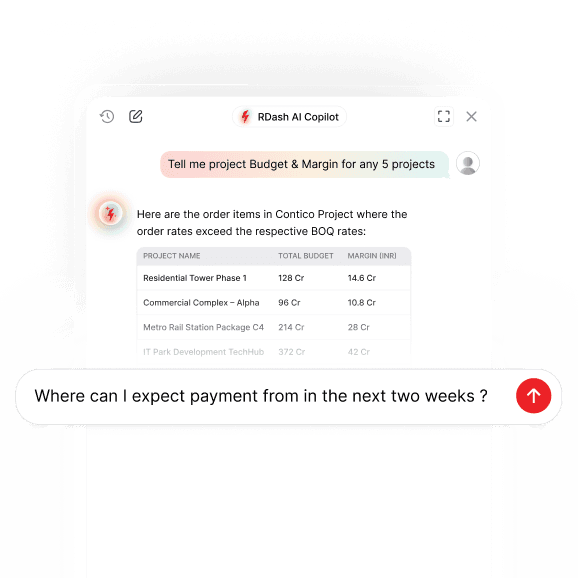
RDash AI Co-pilot

Prompt based analytics on qualitative data helps you know margin leakages and time-lags in seconds. Understands RDash capabilities and guides you on how to use RDash for your use-case. Remembers chat history, can render data tables and graphs, and provides a fairly deep response for curated queries. More exciting things are under development where RDash AI Co-Pilot will become the smart assistant to proactively follow-up on delays and will flag risks before you bleed money.

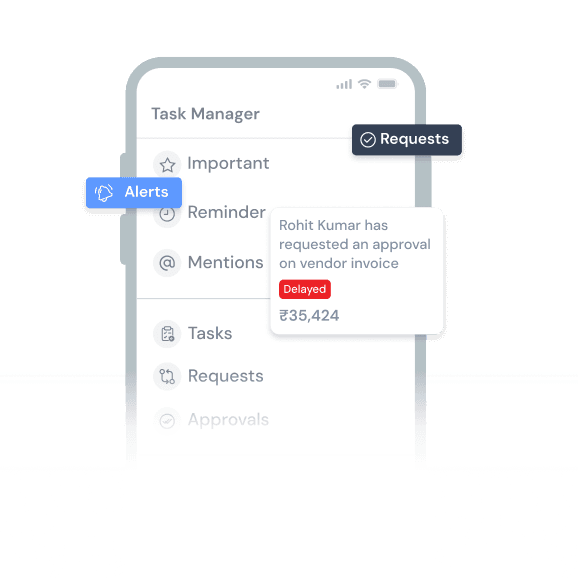
Task Manager

Turns every piece of information i.e. a photograph, an order element, expense request, snag etc. into a shared workspace. Go inside the design files or photographs and initiate conversation at specific places inside the document.

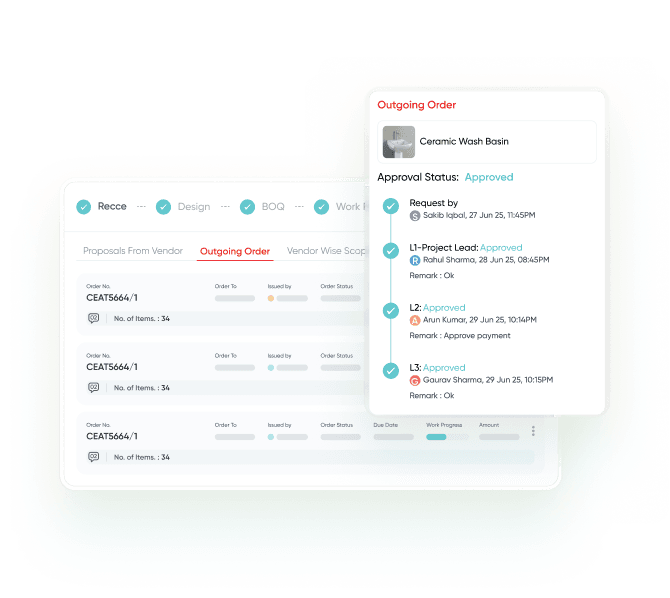
Approval Hierarchy

Setup approval workflows in Order, Invoices, Purchase Requests, Expense Requests, and Payment Requests. Approvals are linked to task manager.

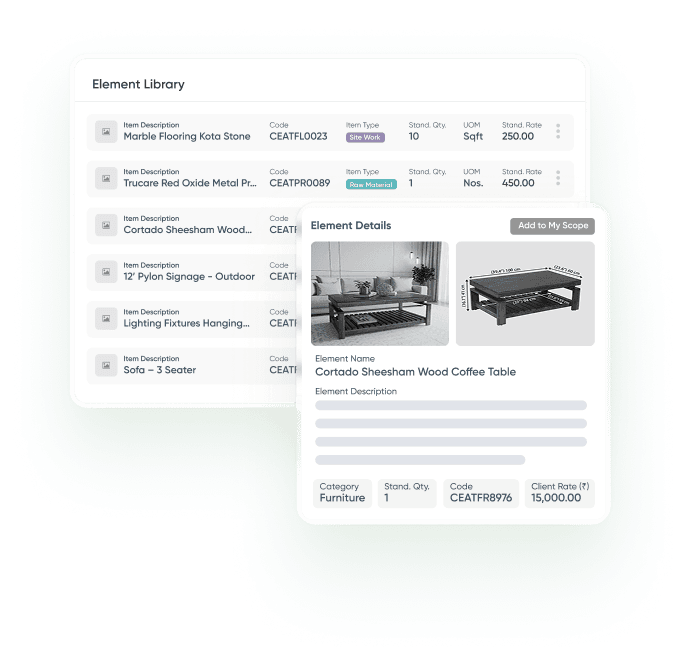
Element Libraries

Create a master catalogue of items for creating BOQ, Orders, and Rate-Contracts. Share catalogue with clients and vendors. Vendors can create scope of work by picking items from your catalogue which auto-converts into a PO post approval.

Third Party Collaborators

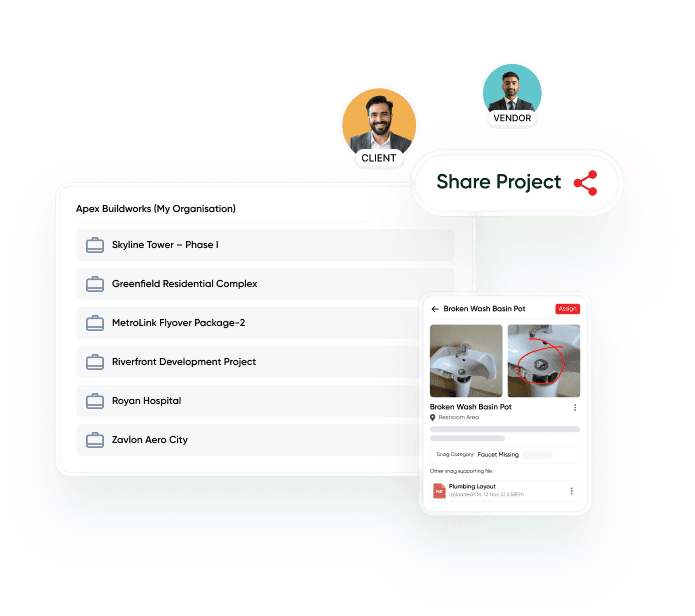
Create client and vendor logins and Share your project access to automate reconciliation and improve accountability.

Analytics

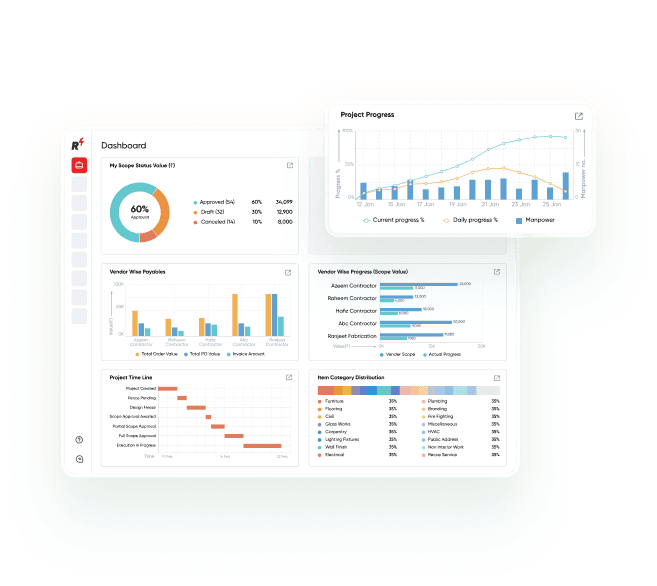
Visualize data in intuitive graphs and tables, build custom dashboards, subscribe to MIS reports

Integration

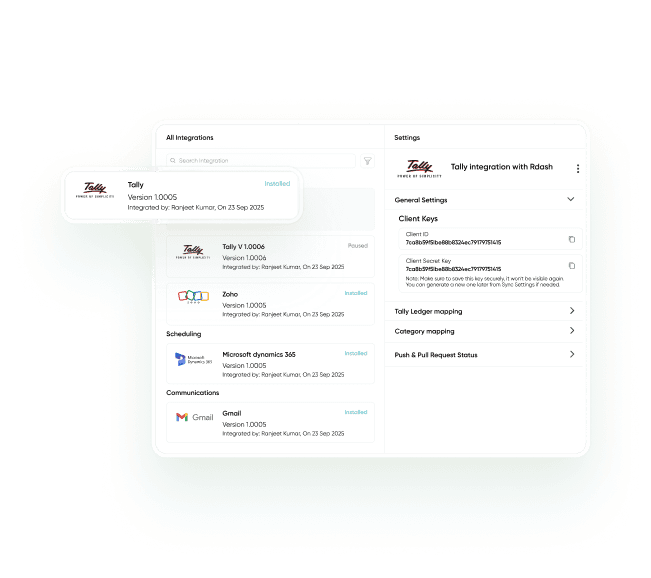
Push and pull data from ERP and accounting applications. Customized integrations available with business apps

Manage Your Projects Anytime, Anywhere!

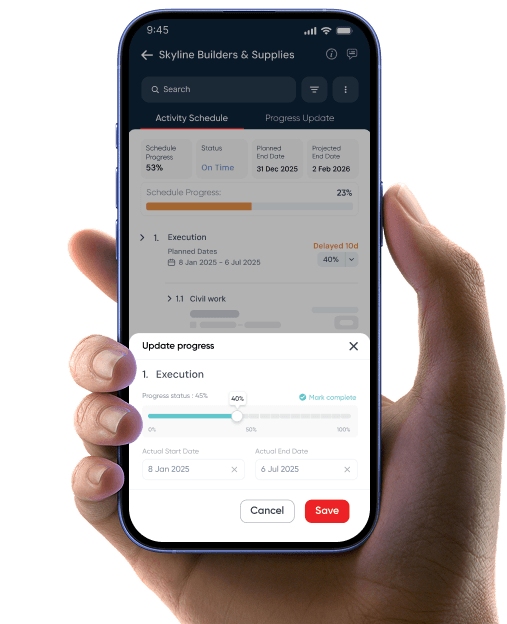
Get the RDash App on Android & iOS for seamless project tracking, vendor management, and real-time updates—right from your mobile.

*AVAILABLE ON

FAQs: Here’s everything you may ask...

What are Power Features in RDash?

Power Features in RDash are advanced capabilities that enhance control, visibility, and decision-making across projects. These features work across all modules, helping teams standardise processes, improve accountability, and gain real-time insights without adding operational complexity.

RDash is designed to reduce dependency on disconnected tools such as Excel, WhatsApp, and email by bringing communication, tracking, and documentation onto one platform. This minimises data loss, miscommunication, and delays caused by information being spread across multiple systems.

Power Features are designed for everyone involved in a project, including site teams, project managers, design teams, operations, and leadership. They help individual users improve daily productivity while also giving managers and leadership better visibility, control, and consistency across multiple projects.

RDash offers three pricing plans – RDash Lite, RDash Pro, and RDash Enterprise plan; designed to suit different team sizes and project requirements. Each plan varies based on features, scale, and usage. You can explore detailed plan-wise pricing and inclusions on the RDash Pricing page.

RDash is ideal for owners, main contractors, subcontractors, design studios and PMCs involved in commercial interiors and other construction projects. Our unlimited-user model is designed to encourage all stakeholders and teams in your organization to collaborate on a single platform.

Ready to get started?

Fill out the form below and we will contact you as soon as possible.

Features
Pricing
Company
Resources
Play Video
Play Video